
Cameras & Cabling
Security camera installation for Orange County businesses
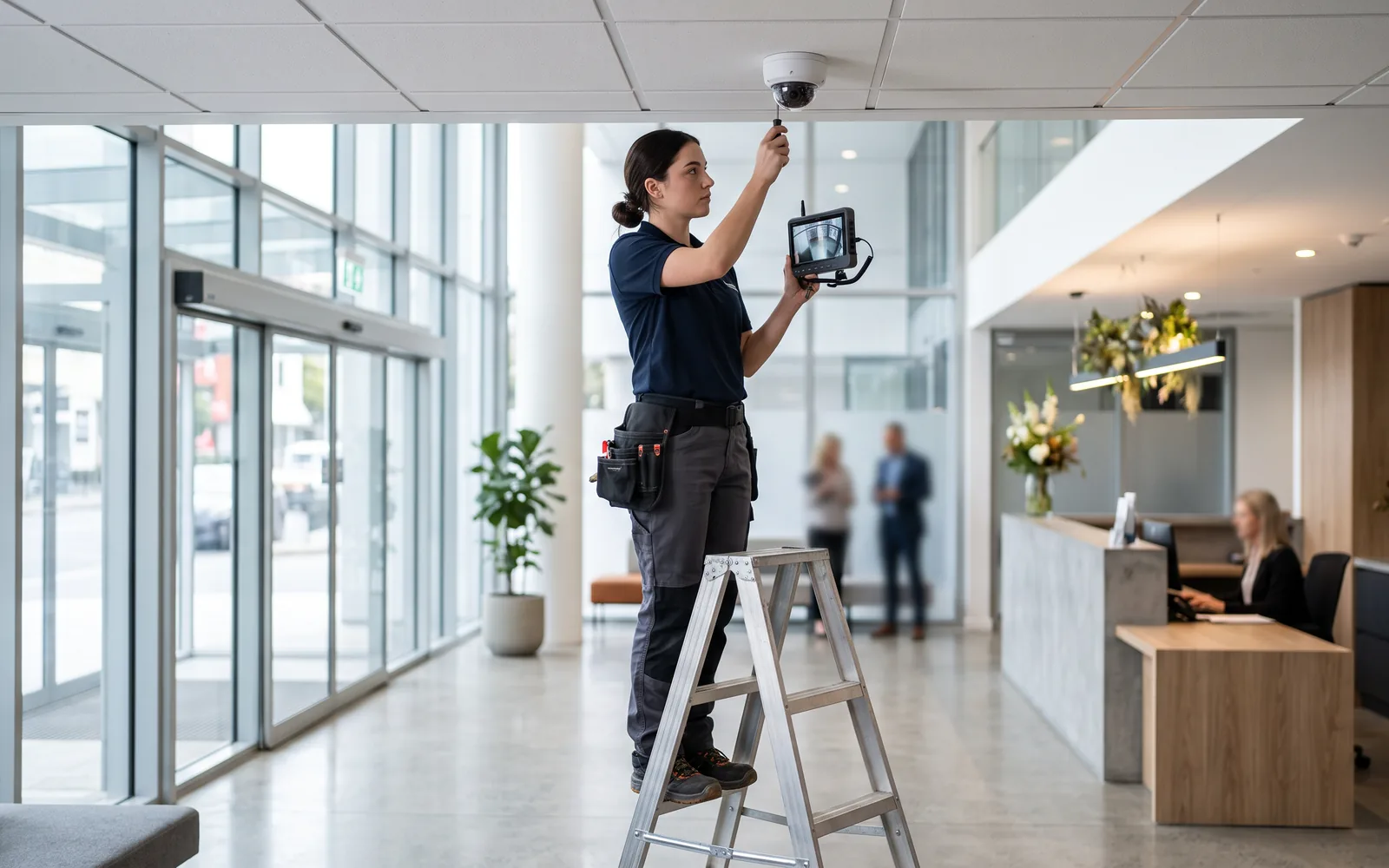
CFBTEL plans, cables, installs and supports security camera systems for businesses across Orange County and Greater Los Angeles. Your cameras run on an AI recorder that tags people and vehicles, lets you search footage by describing it, and warns you when a camera stops recording.
AI security cameras that watch for you
Most camera systems record hours of video that nobody looks at until something goes wrong. We install your cameras on the CFBTEL DVR AI Platform, which sorts that video as it records, so the clip you need is one search away.
- AI detection that tags people and vehicles on every camera
- Search all your footage by describing what you are looking for
- Door counts, zones and after-hours alerts
- An alert when a camera stops recording or the drive fills up
- A retention rule for each camera, sized before you buy drives
- Footage stays on the recorder at your site, with an optional off-site copy of event clips
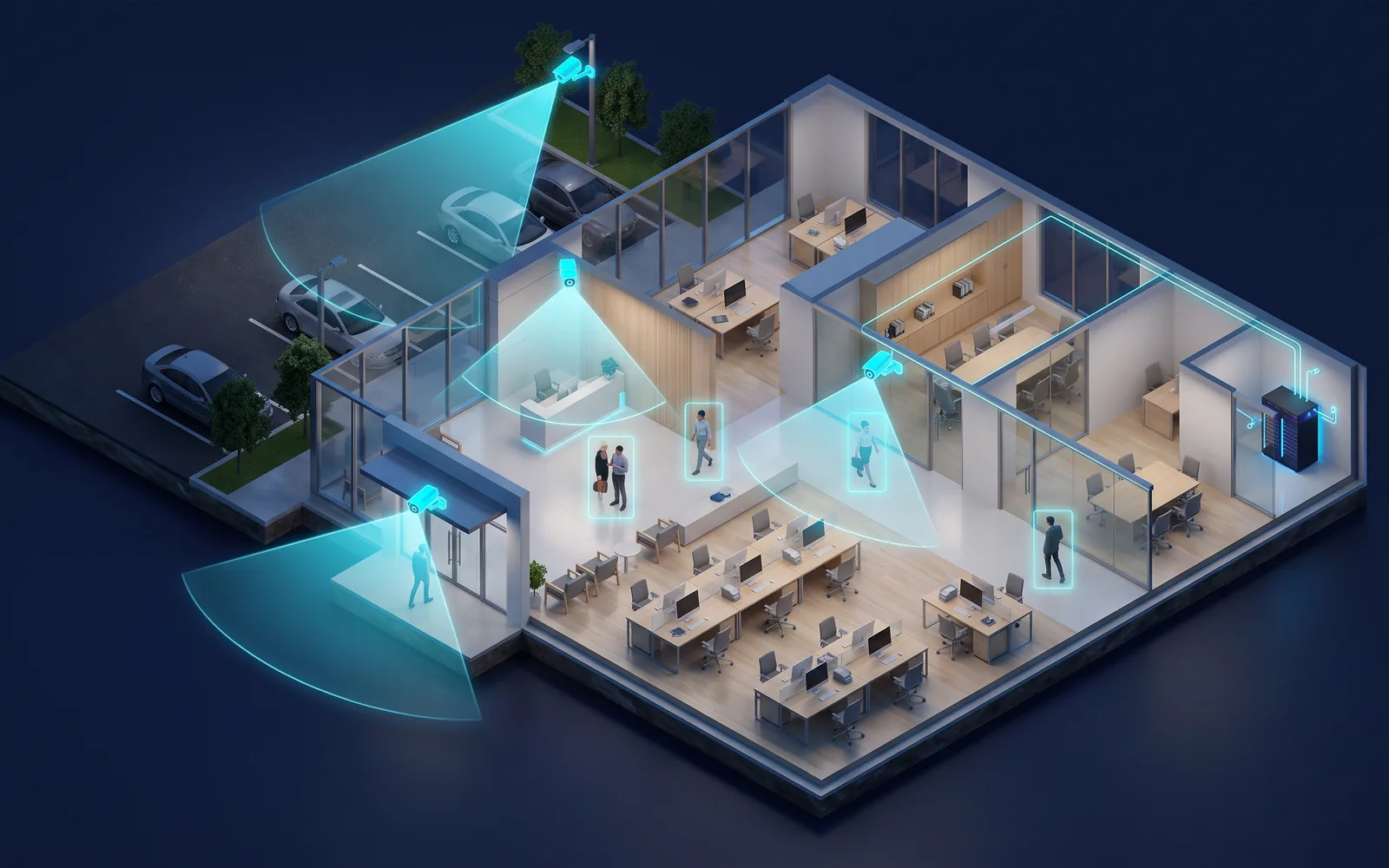
Pick a feature to see it on the floor plan
Five cameras cover the door, lobby, open office, hallway and server room of a sample office.
Find footage by describing it
Type what you are looking for, such as a person in a red jacket at the front door, and get the matching clips from every camera.
- Front doorPerson, red jacket, walking in8:42 am
- LobbyPerson, red jacket, at reception8:43 am
- Open officePerson, red jacket, at a desk8:45 am
- Search across all cameras at once
- Filter by camera, time and object
- Export the clips you need
Names, times, counts and retention days are sample data.
How a camera installation works
- 1
Site walk and coverage plan
We walk the site with you and mark what each camera has to see, such as faces at the door or plates at the gate. Then we size the recorder’s drives with our camera storage calculator.
- 2
Cabling
Each camera gets its own cable back to a switch that also powers it (PoE). Every run is labeled at both ends.
- 3
Mounting and aiming
Cameras go up at the height and angle that gives the view you asked for, inside and out.
- 4
Recorder and AI setup
We set up the recorder, AI detection, zones and a retention rule for each camera. Remote viewing is set up without opening your cameras to the internet.
- 5
Testing every camera
Live image, focus, coverage, night view, recording, playback, export, the recorder’s clock and remote access are each checked and written down.
- 6
Handover and monitoring
You get a completion report with one line per camera, and we show your team the app. After that, we watch recording health and drive space for you.
We run the same system in our own office
Our Costa Mesa office records four cameras on the CFBTEL DVR AI Platform. Two things we learned there shape every installation we plan.
Each camera needs its own retention rule
With one rule for every camera, our recording drive sat at about 95% full. In November 2026 we gave each camera its own rule, and the same cameras now use about 30% of the drive.
Blinking lights fool motion recording
Our server room camera saw motion in every recording, all day, because of the equipment’s status lights. That camera keeps one day of 24/7 video instead, and we check for the same problem in every server room we cover.
Which recording mode fits each camera
| Mode | What it keeps | Best for | Drive space |
|---|---|---|---|
| 24/7 recording | Every minute of video | Cash rooms, server rooms, and anywhere you may need what led up to an event | Most |
| Motion recording | Minutes with movement in the picture | Hallways, offices and stockrooms | Depends on how busy the area is |
| AI event recording | Clips where a person or vehicle was detected | Doors, lobbies, gates and parking | Least |
See what your own mix needs in drive space with the security camera storage calculator.
Privacy and California rules
Audio stays off until you decide
California generally requires the consent of everyone in a confidential conversation before it is recorded (California Penal Code section 632). Camera microphones stay off until you settle consent and signs with your legal advisor.
Face recognition is optional
Face recognition is biometric data. We switch it on only after you decide who it covers, how people are told and who can see the results.
Logins for each person
Everyone gets their own login, and viewers see only the cameras their role needs.
Clips ready to hand over
Exported clips can be grouped by incident across several cameras, ready for your insurer or the police.
This is general information, not legal advice.
FAQ
Questions we hear first
Book a free site walk
We’ll walk your site, mark what each camera needs to see and quote the cameras, cabling and recorder together. CFBTEL is based in Costa Mesa and serves businesses across Orange County and Greater Los Angeles.
Related
Contact CFBTEL
Book a free consultation with our Costa Mesa team
- 949-381-2525
- 3151 Airway Ave, Suite B2, Costa Mesa, CA 92626
Serving all of Orange County & Greater Los Angeles. - On-site staff: Mon-Fri 8:00am-7:00pm, Sat 8:00am-4:00pm
Remote support and infrastructure monitoring: 24/7